1
Scan Parking Sign
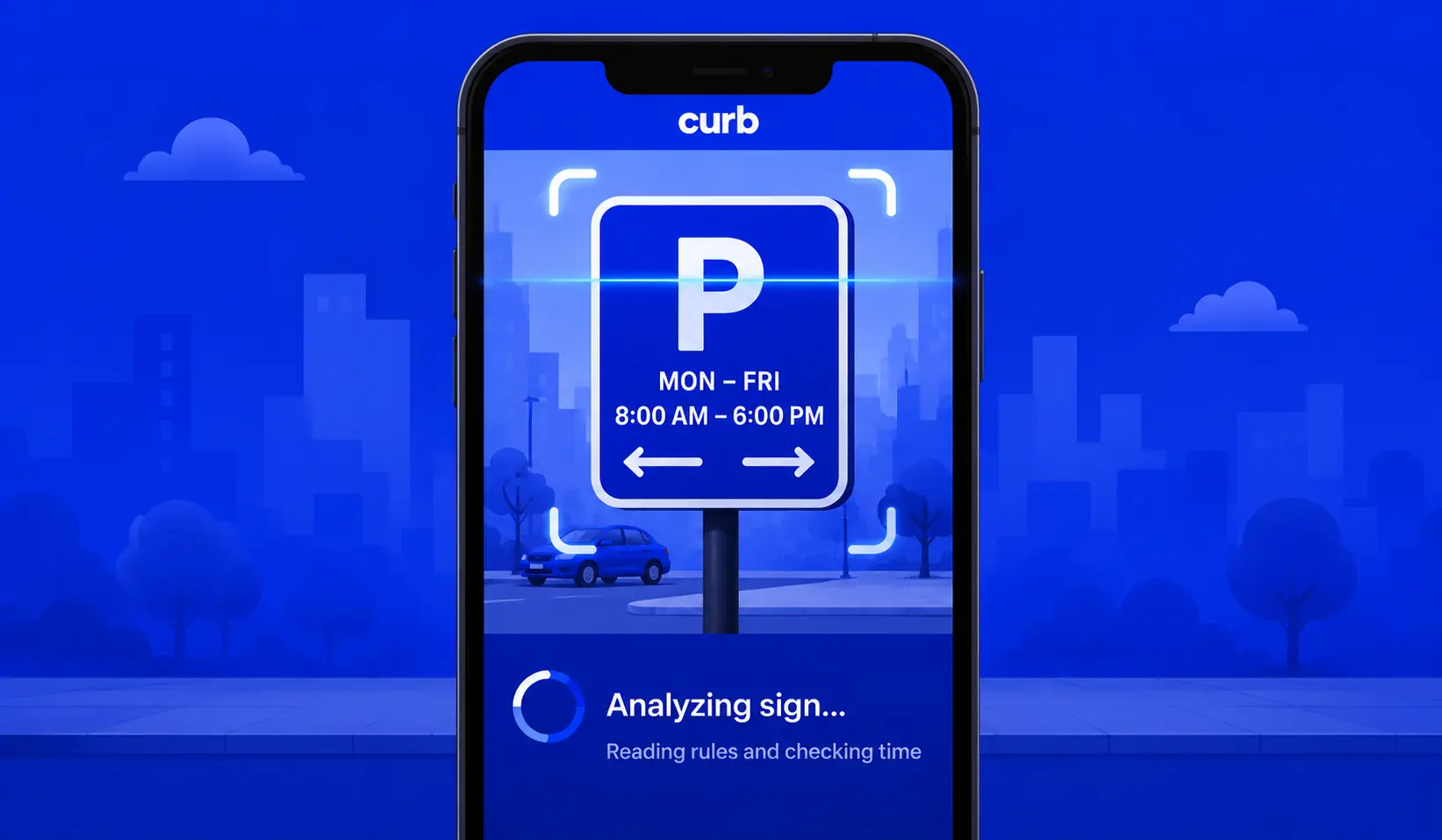
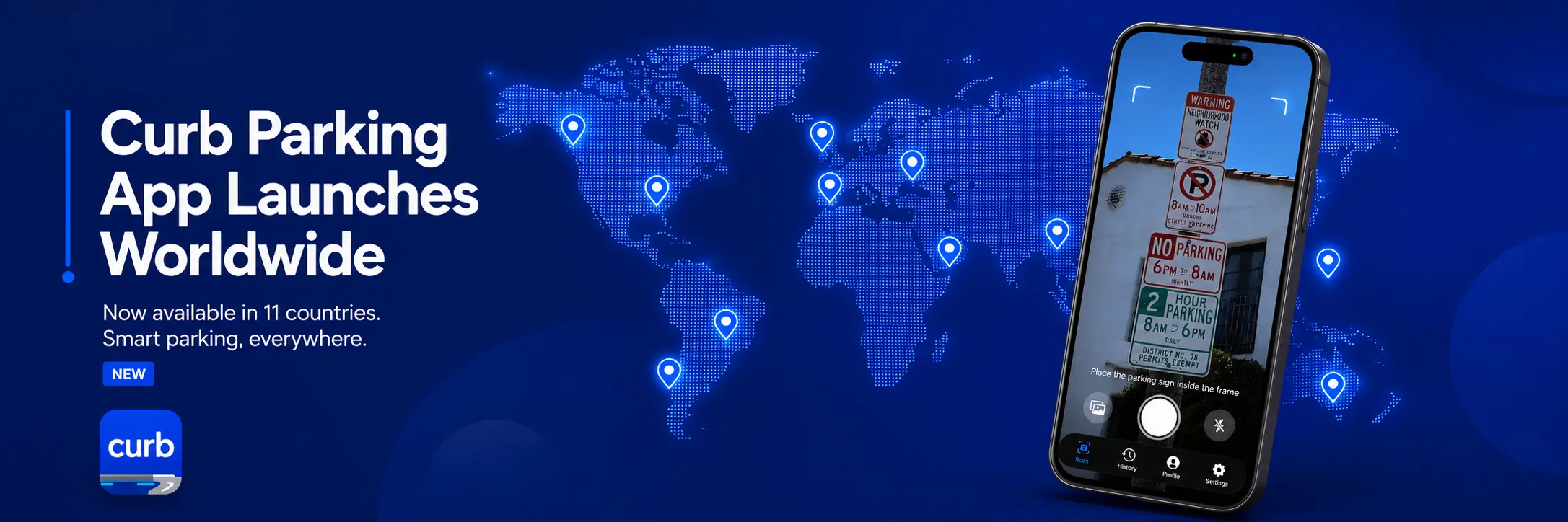
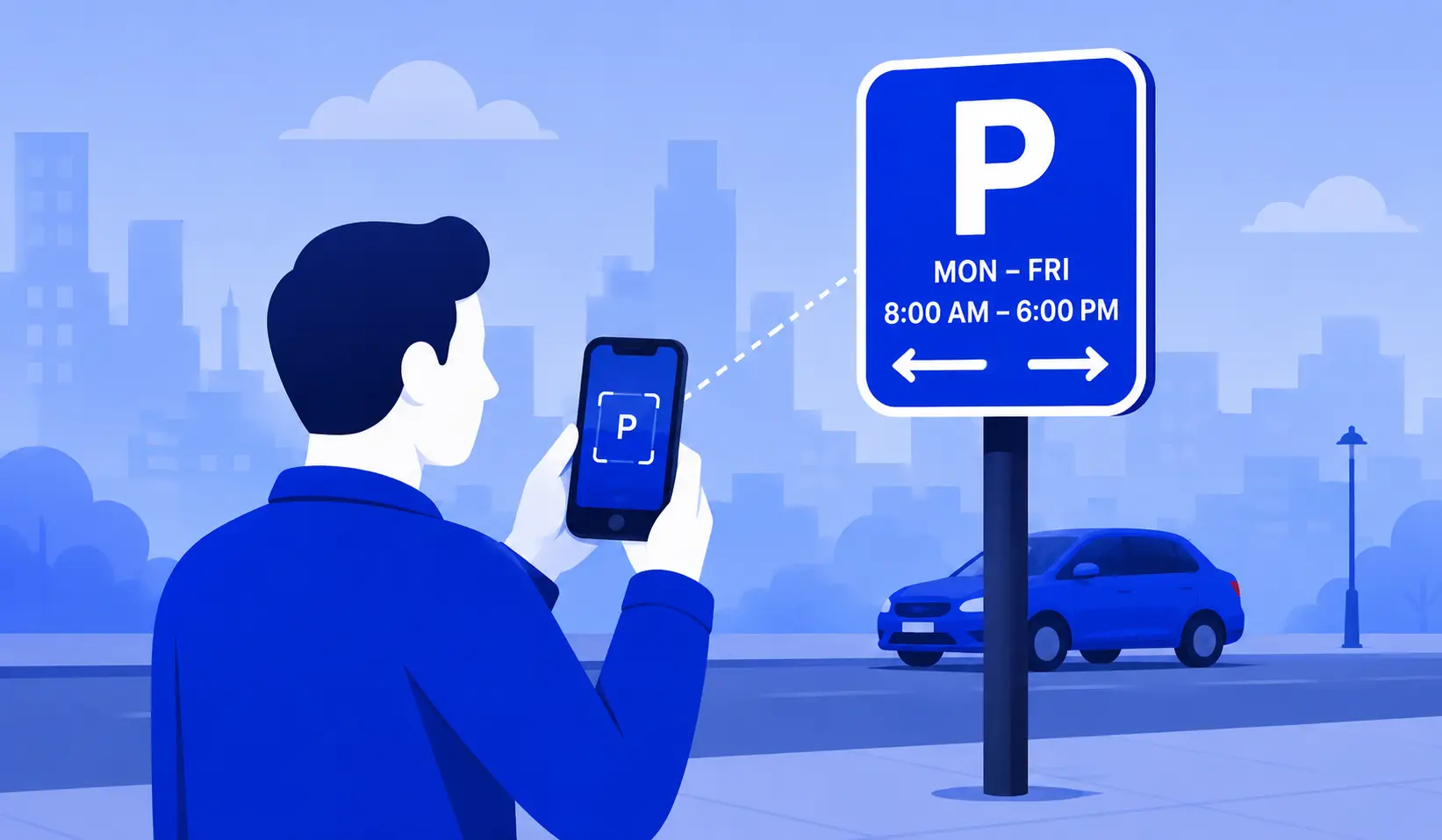
Point your camera at the parking sign and let Curb capture it.
Scan & Park
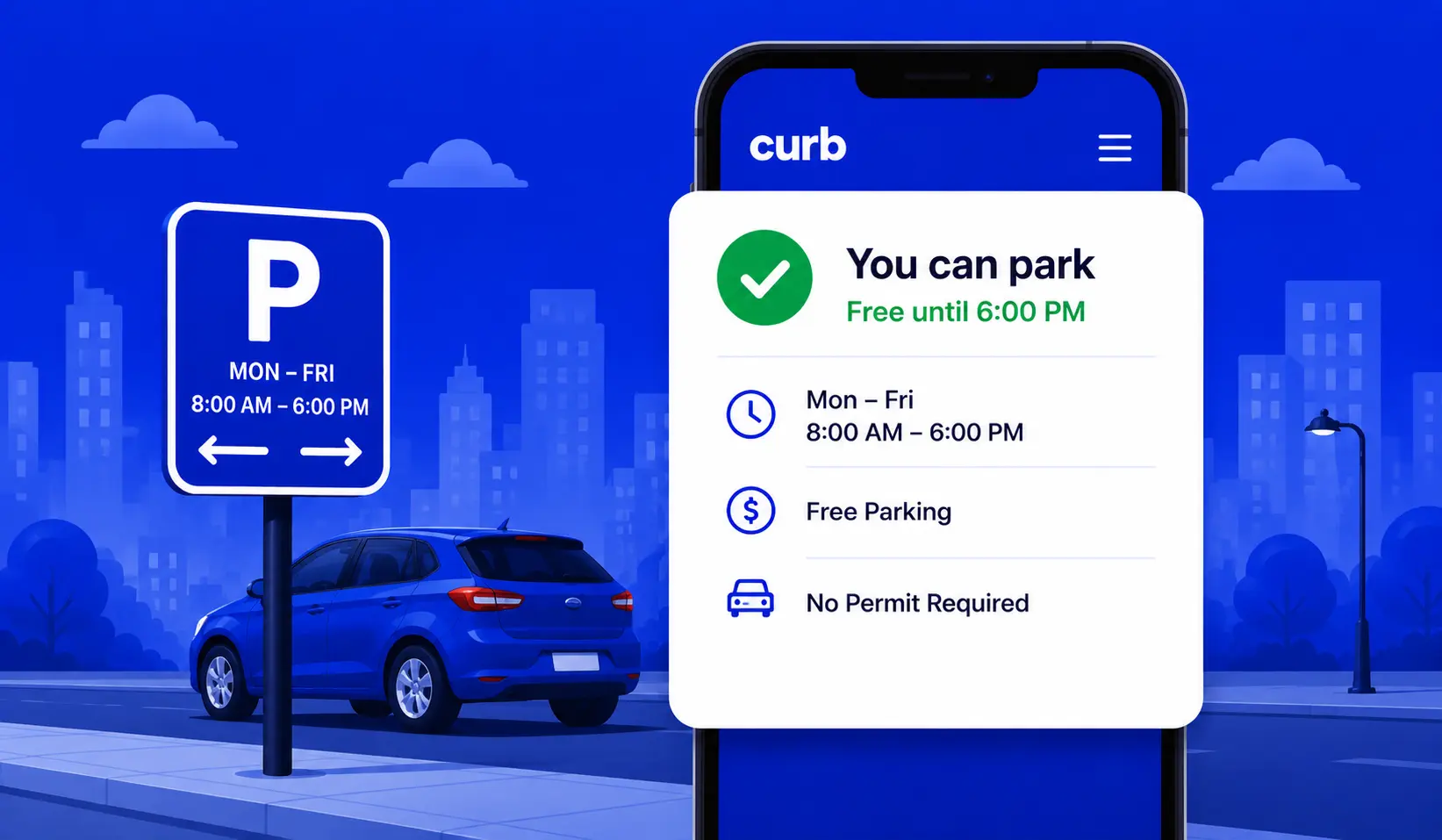
Take a photo of a parking sign and get a clear answer instantly — can you park, is it paid, or is it restricted?

How it works
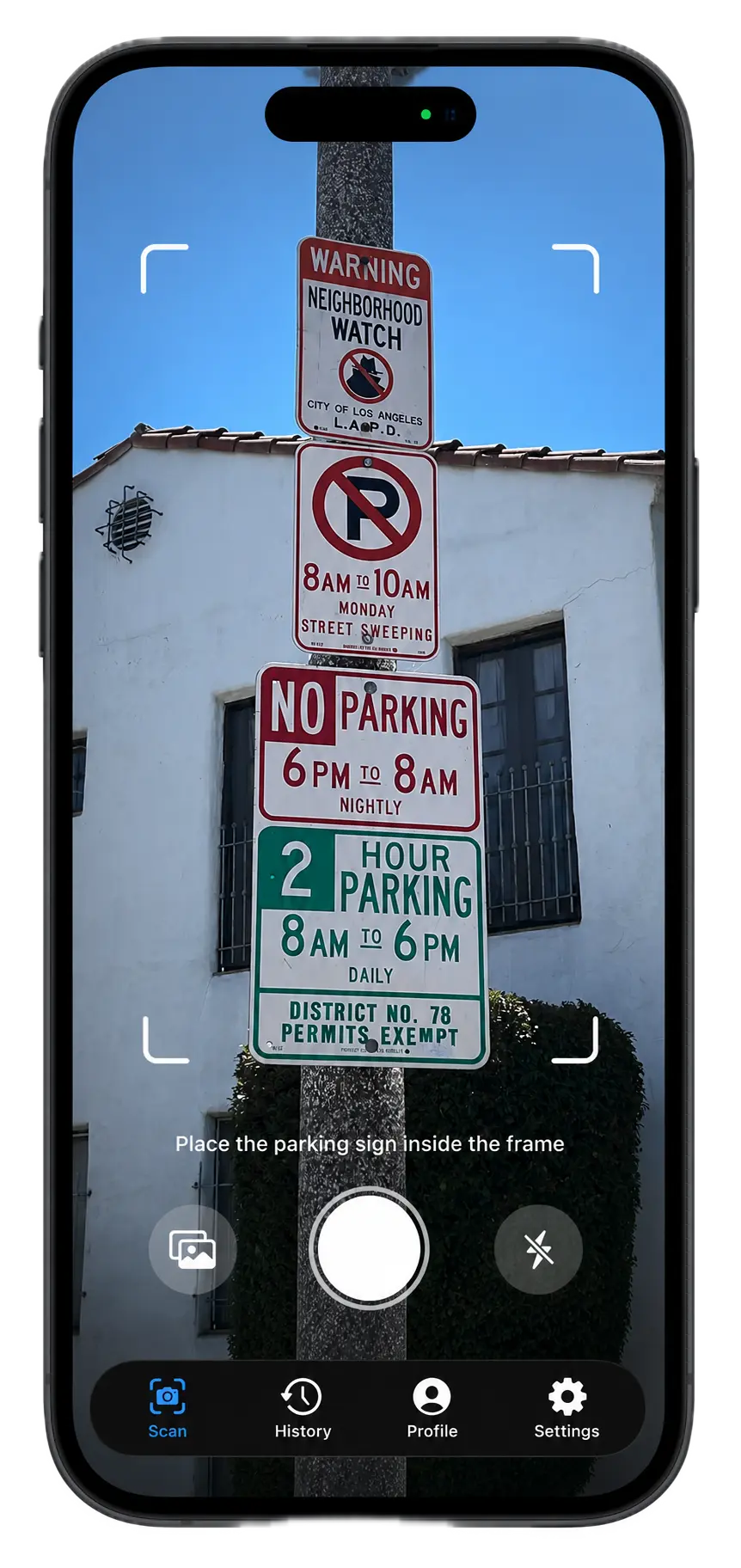
Point your camera at the parking sign and let Curb capture it.
Curb reads the parking rules, checks restrictions, and verifies the time.
Get a clear answer—allowed, paid, or restricted—before leaving your car.
Features
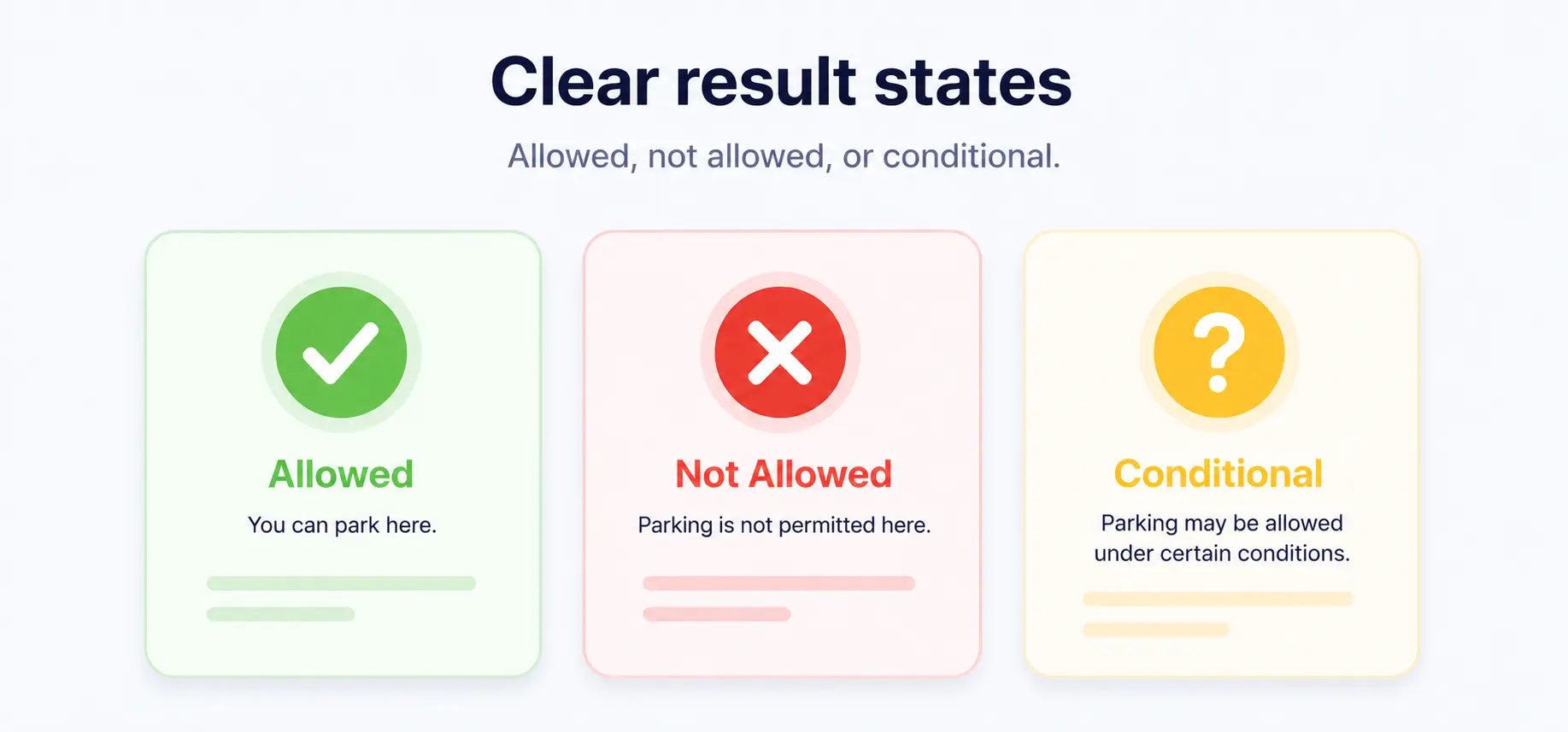
Allowed, not allowed, or conditional.
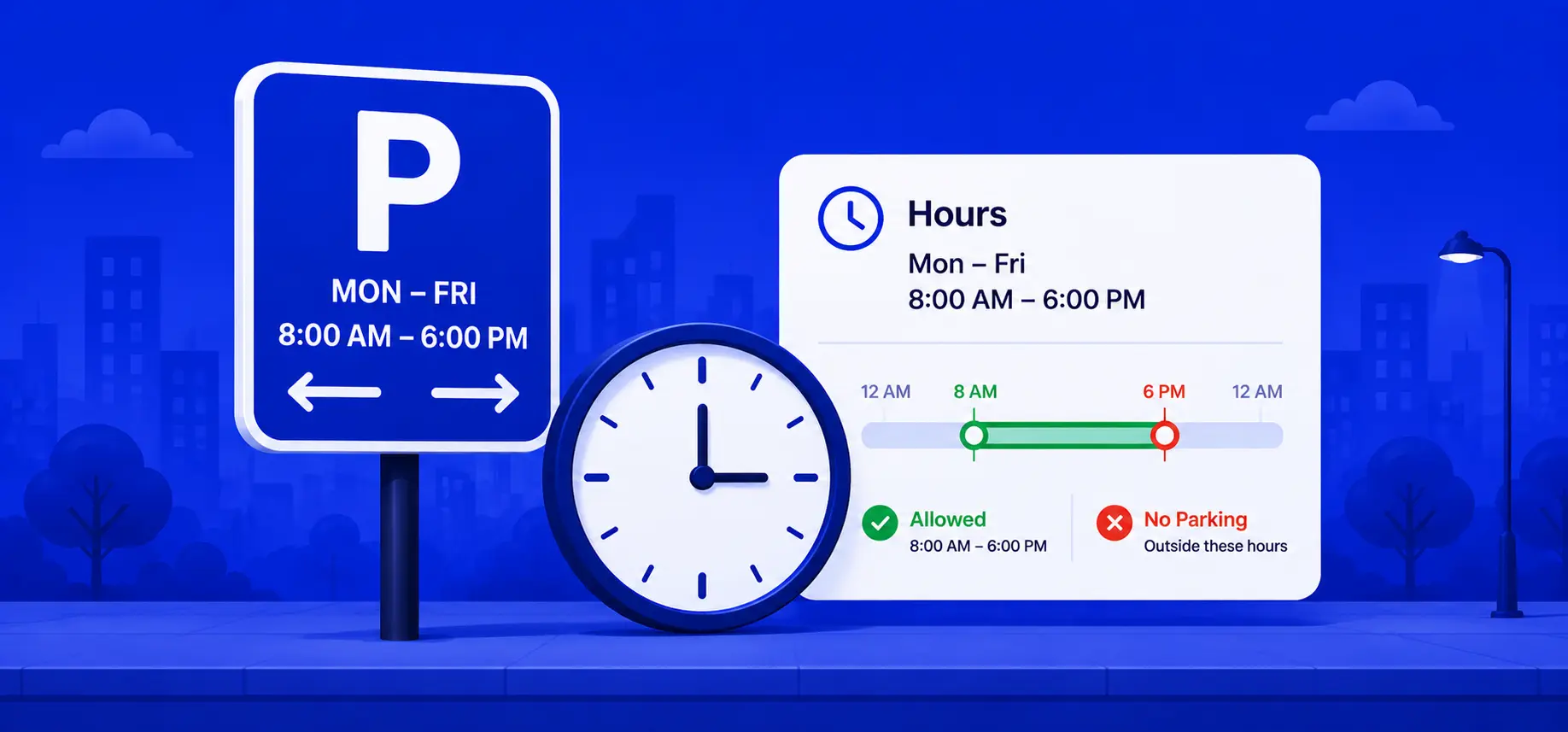
Understands hourly and weekday restrictions.
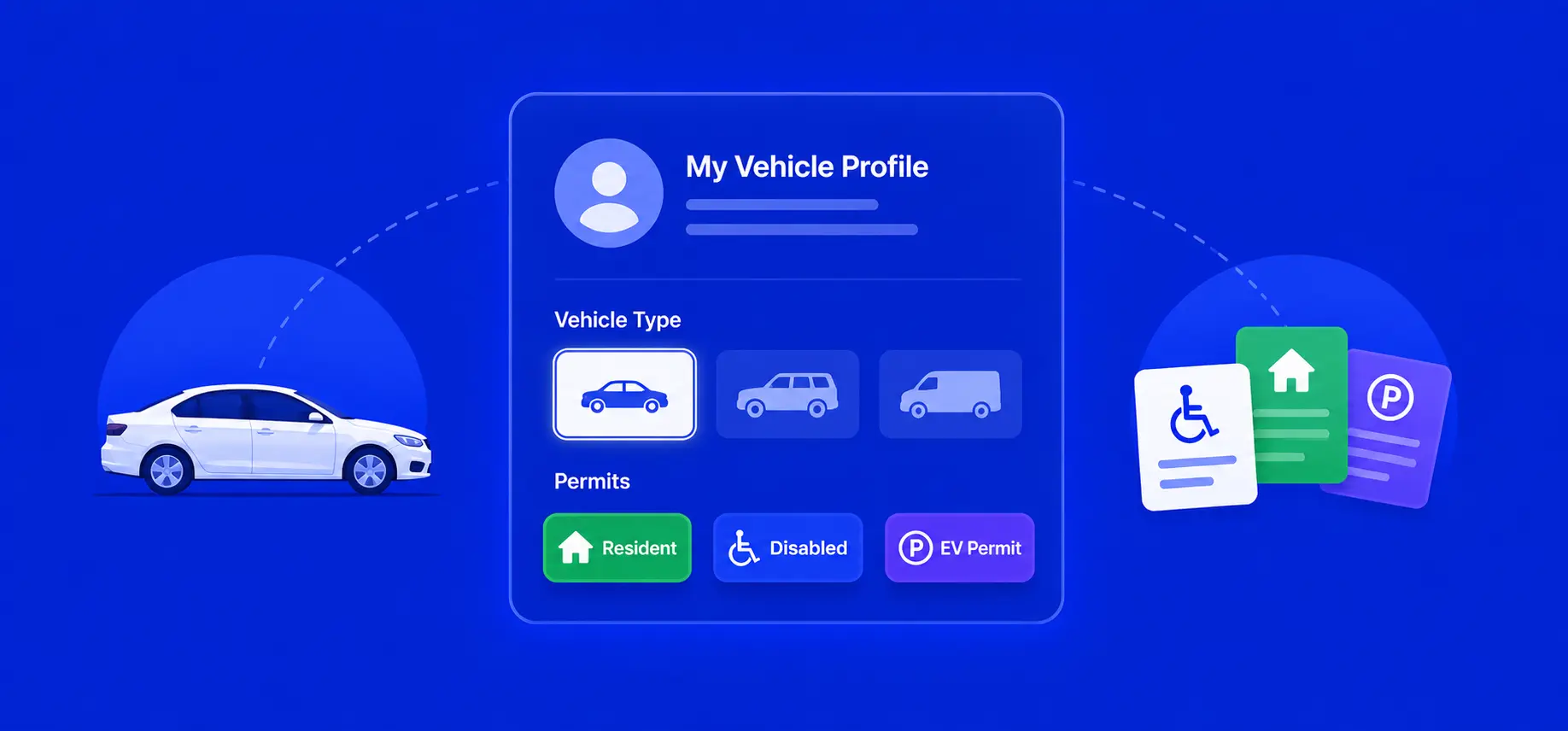
Add your car details to improve results.
A simple parking assistant for unfamiliar cities.
Coverage
Explore supported parking regions and upcoming country support.
Selected country
All of Israel is supported. Curb can help explain parking signs and local parking rules across the country.
Pricing
Start for free. Upgrade for unlimited scans and vehicles.
Forever free
or $9.99 / year — save 58%
About
Parking signs can be confusing when you are in a new city, in a rush, or trying to understand time limits. Curb is being built to turn complicated signs into simple, confident parking decisions.
Built by Ido Oriane, a software engineer frustrated by ambiguous parking signs. After spending years decoding municipal regulations across multiple countries, I realized drivers needed a better way. Curb turns photo recognition and local parking rules into instant clarity. Connect with Ido on LinkedIn or GitHub.
Blog
Country-by-country parking guides, product updates, and practical tips from the Curb blog.
We're getting ready to launch Curb's scan-and-park experience. Here's what's coming, and how to get early access.
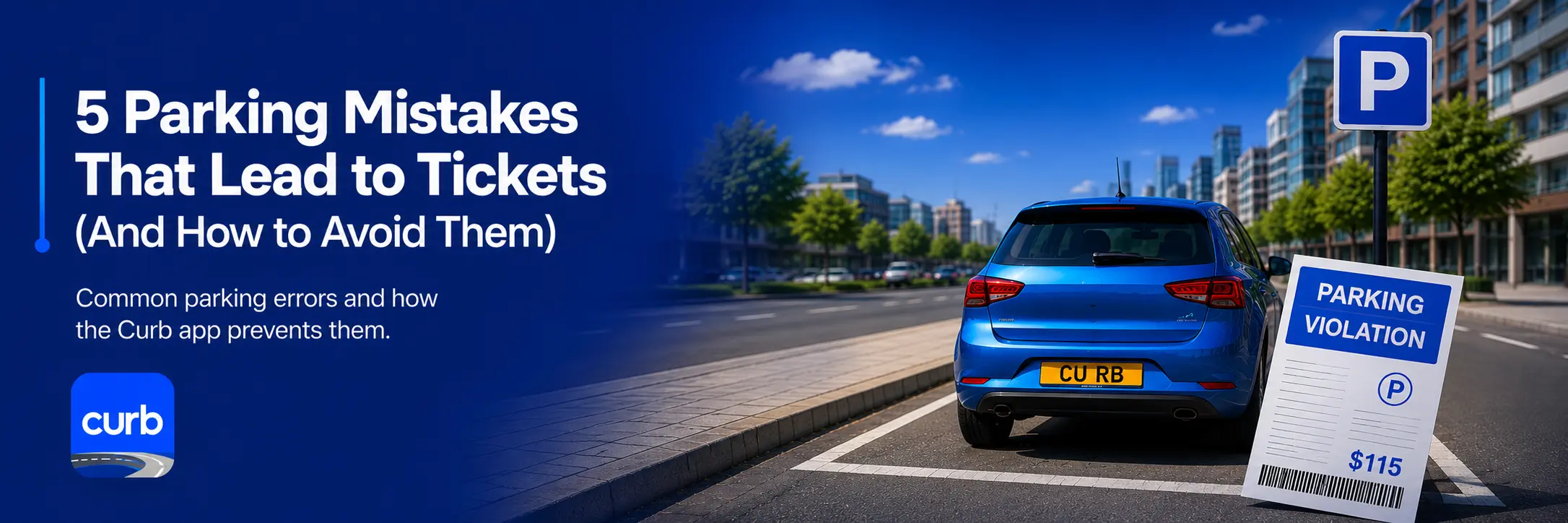
Read moreFrom misreading street-cleaning signs to ignoring permit zones — the most common parking mistakes and how to avoid them.
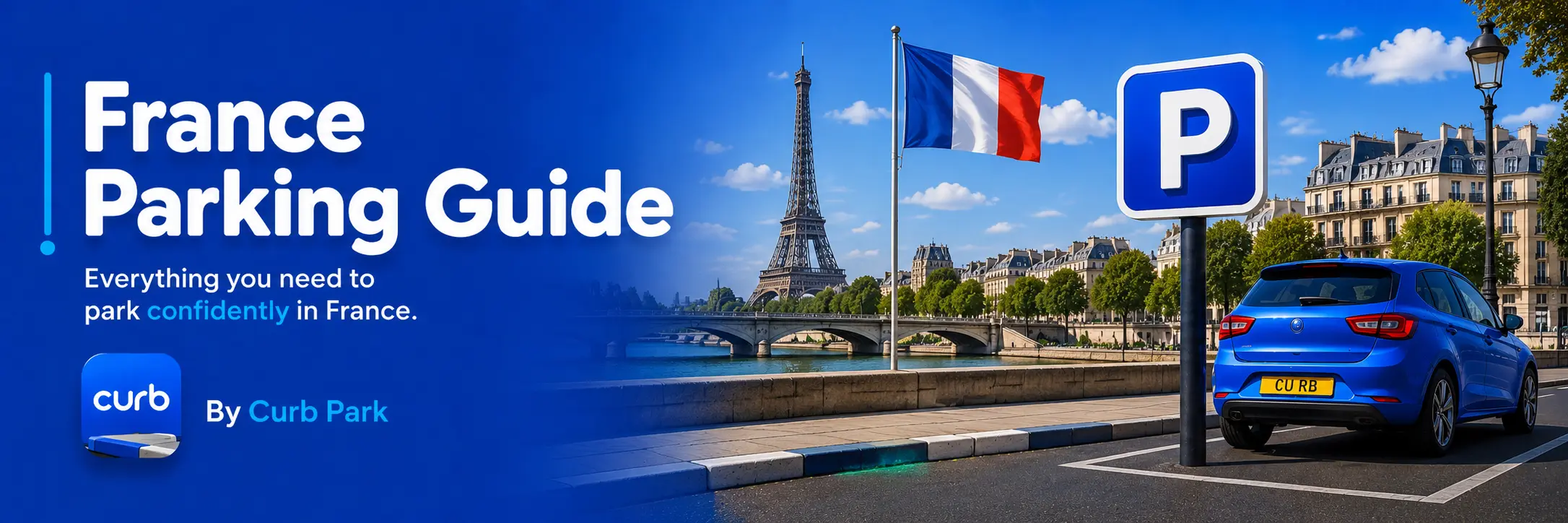
Read moreMaster France parking signs, curbs, and zones. Learn blue line parking, disc zones, no parking rules, fines, and avoid costly mistakes.
Read moreMaster Italy parking signs, curb lines, and zones. Learn blue line paid parking, white line free parking, no parking rules, fines, and avoid costly mistakes.
Read moreFAQ
No. Curb is designed to help explain parking signs clearly, but drivers should always follow posted signs and local regulations.
No. Scan photos are stored locally on your device and are not uploaded to Curb servers.
Location is used only when you perform a scan, so Curb can understand which local parking rules may apply.
Some parking rules depend on vehicle type, resident permits, or disabled permits. A profile helps make the result more relevant.
Available now
Scan a parking sign and get a clear answer in seconds — free to start, no sign-up required.